How to Fix a Baby Monitor That Keeps Losing Connection
Published How we research
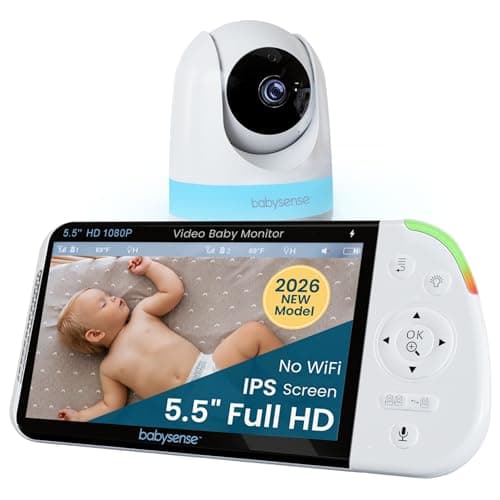
A baby monitor that keeps beeping out of range or freezes on the video feed is stressful, especially at night when you rely on it most. Connection problems usually come from distance and walls, interference from other devices, weak home Wi-Fi or power saving settings on phones and parent units. Knowing whether you have a dedicated non-Wi-Fi monitor or a Wi-Fi monitor helps target the fix.
Products from this article
The highest-scoring picks from the buying guides this article links to. Scores are our editorial assessment, not customer ratings.
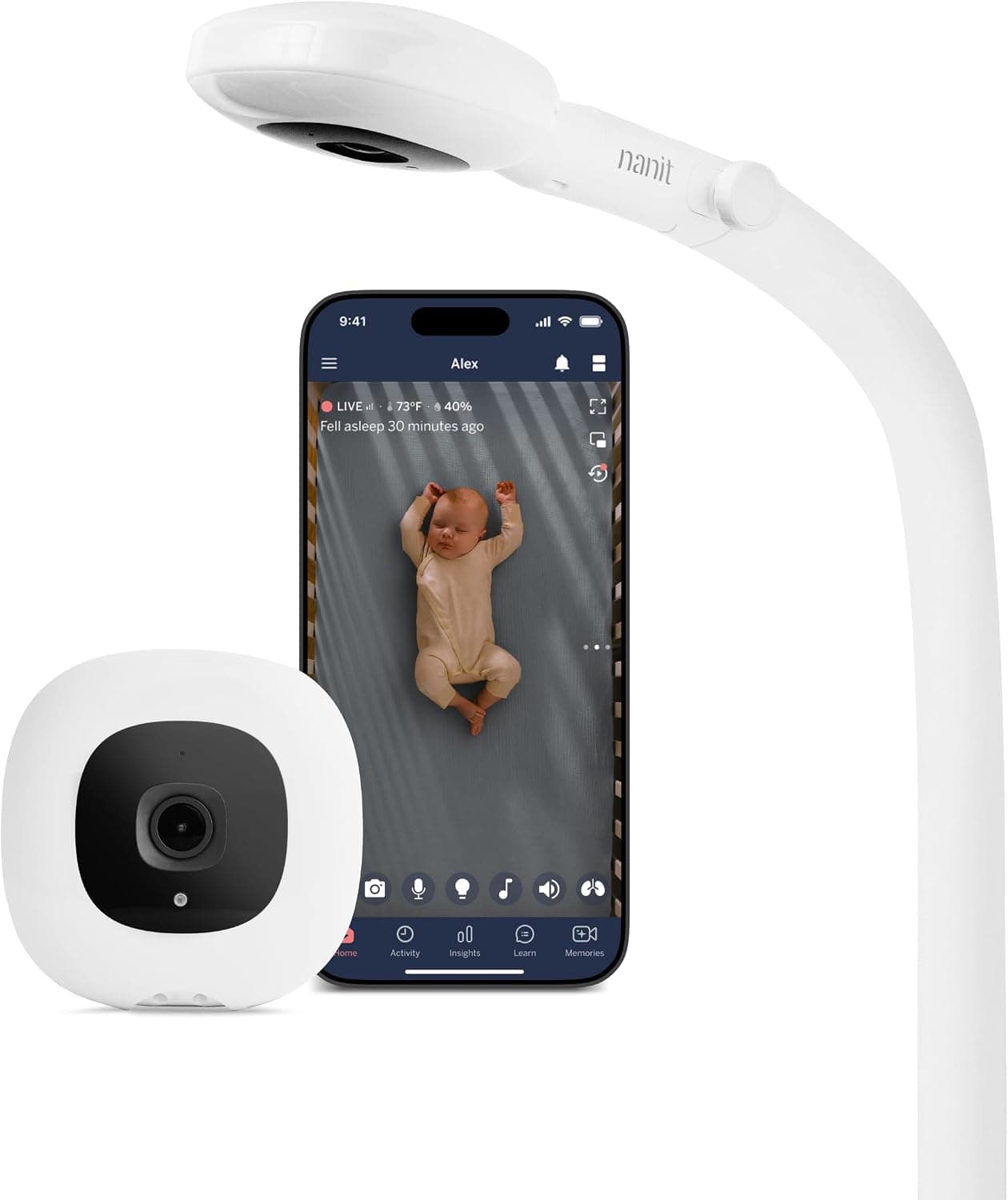
+ 1080p Wi-Fi video gives a sharp view on your phone
From our guide: Best Video Baby Monitors for Peace of Mind (2026)
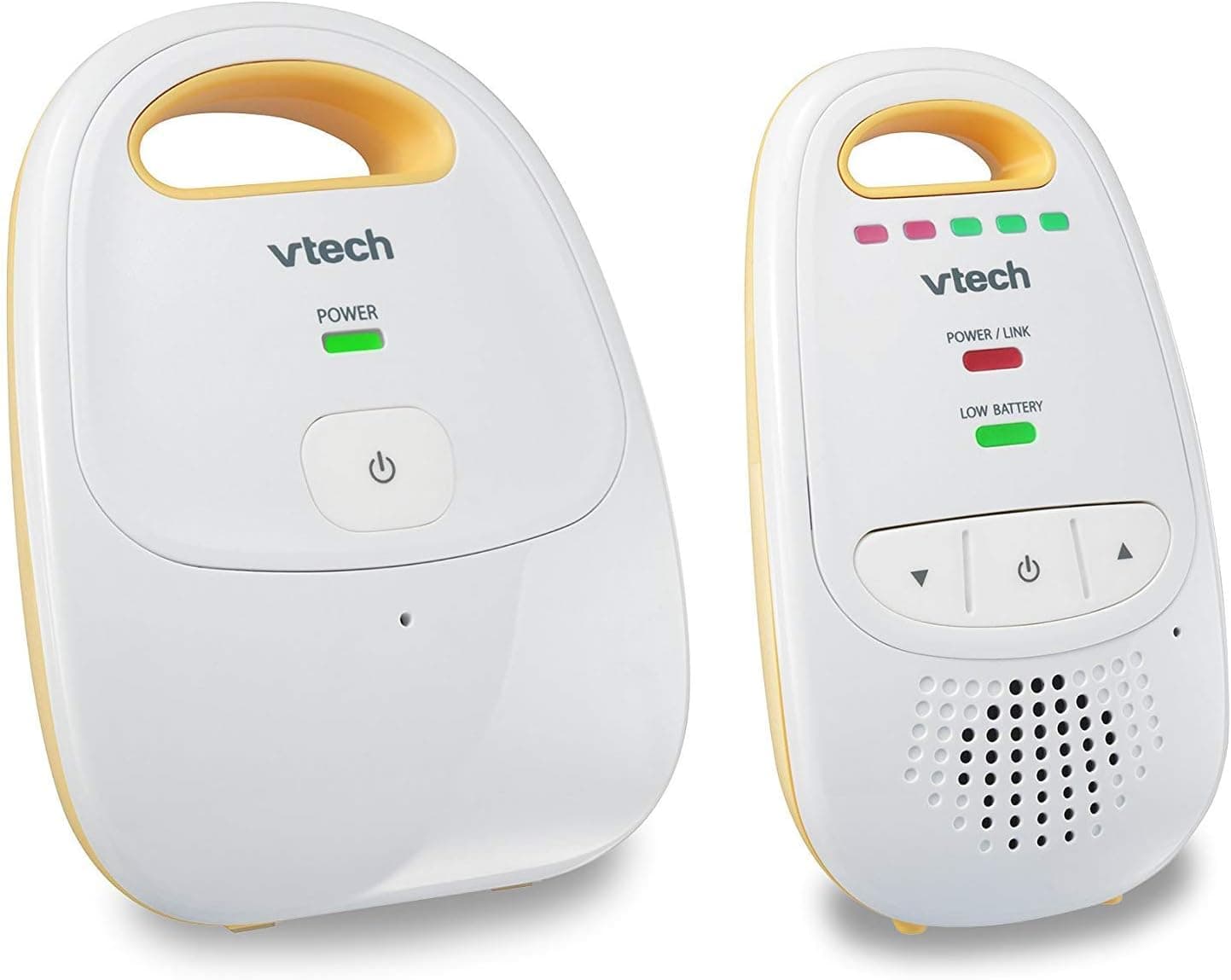
+ 1000ft range covers large homes and yards
From our guide: Best Audio Baby Monitors for Simple Listening (2026)
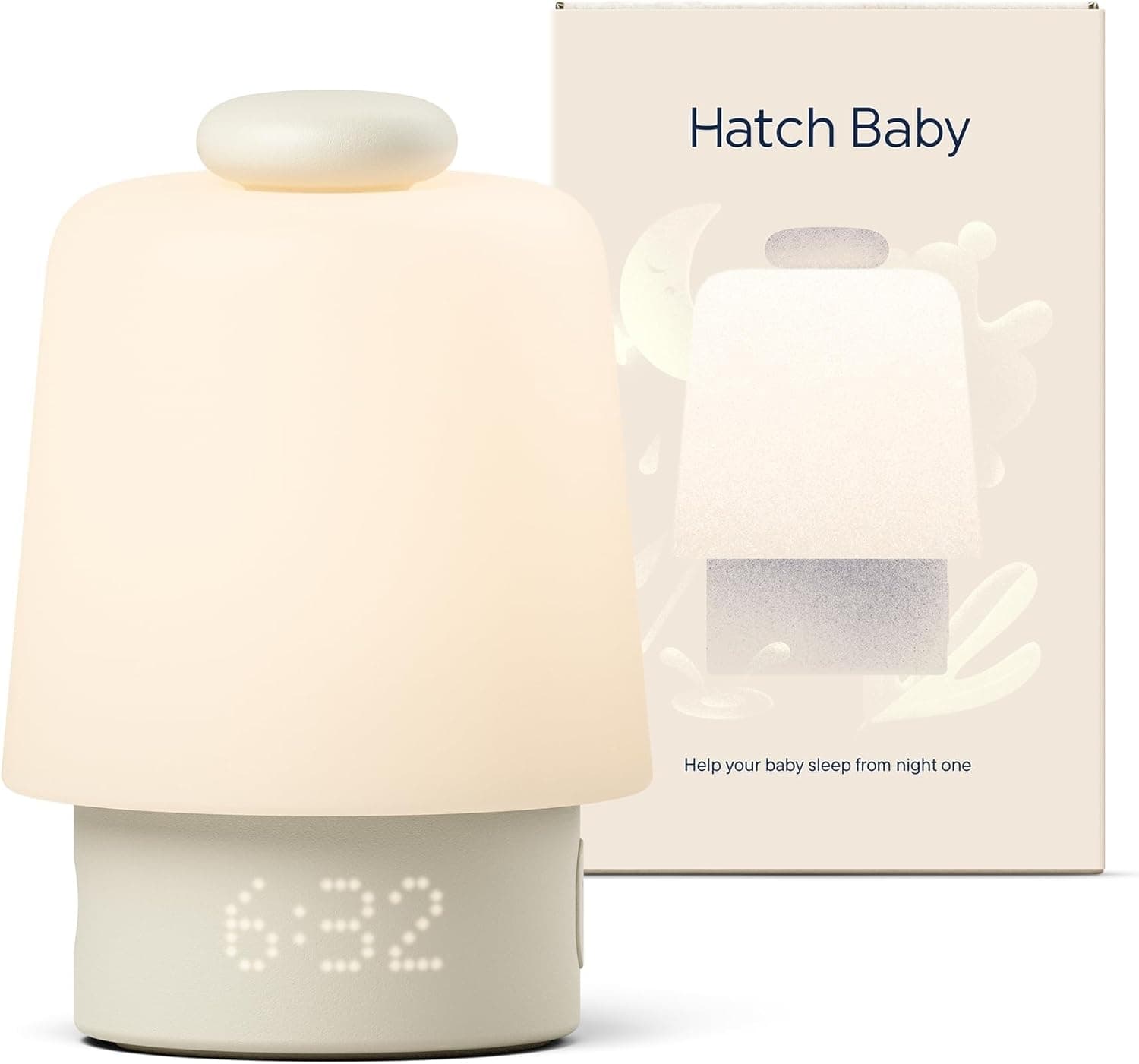
+ Time-to-rise alarm teaches toddlers when it is ok to get out of bed
From our guide: Best White Noise Machines for Calmer Baby Sleep (2026)
+ No WiFi design keeps video on a closed local connection
From our guide: Best Video Baby Monitors for Peace of Mind (2026)
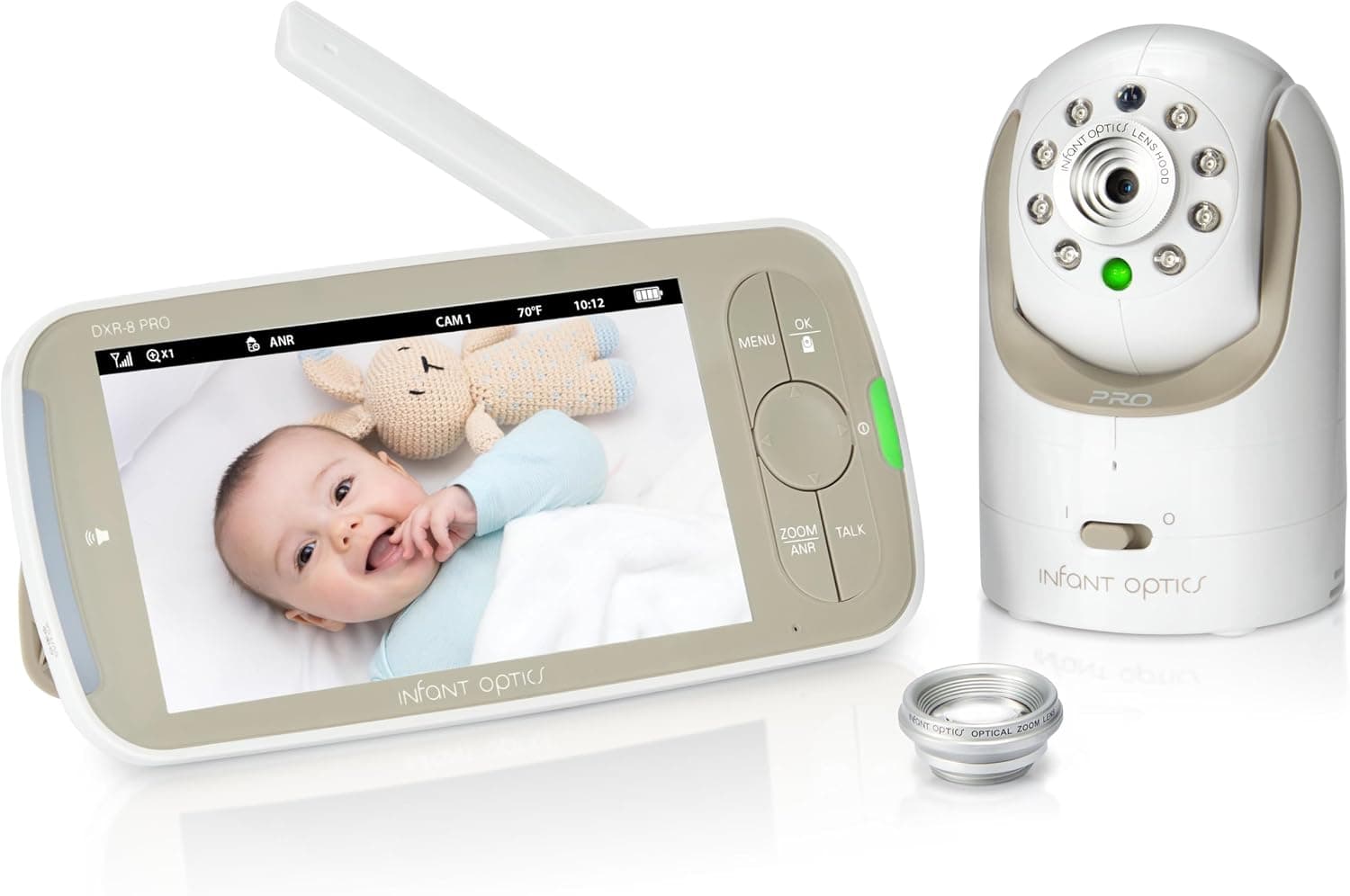
Know your monitor type
Dedicated monitors connect the camera directly to a parent unit using their own radio link. They work without internet but have limited range, which walls, floors and appliances reduce further. Range figures on the box are usually measured in open space, not through several walls.
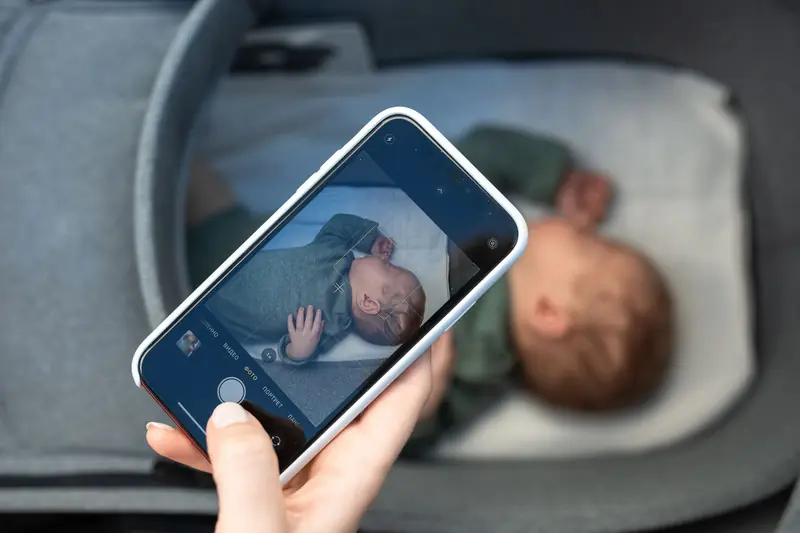
Wi-Fi monitors send video through your home network to an app on your phone. They can be viewed from anywhere with internet access, but their reliability depends heavily on your router, network congestion and the phone app running correctly in the background.
Improve placement and distance
Move the parent unit closer to the nursery and test in different rooms to find dead spots. Thick walls, brick, concrete, mirrors, metal furniture and aquariums all weaken wireless signals, so a small change in position can make a large difference.
Place the camera securely out of the baby's reach, at least three feet from the crib with cords secured away, and avoid putting it directly behind metal lamps or inside bookcases. Raising the parent unit off the floor often improves reception.
Reduce interference
Microwave ovens, cordless phones, Bluetooth speakers and other 2.4GHz devices can interfere with monitors and Wi-Fi networks. Notice whether dropouts happen at specific times, such as when the microwave is running.
Many dedicated monitors use frequency hopping technology that avoids interference, but older models may still be affected. Keep other wireless devices away from the camera and parent unit where possible.
Strengthen Wi-Fi
For Wi-Fi monitors, check signal strength in the nursery with your phone. Moving the router, adding a mesh Wi-Fi node or using a wired access point near the nursery can greatly improve reliability.
Some monitors only support 2.4GHz networks, so make sure the camera is connected to the correct band. Update the router firmware and monitor firmware, and reduce heavy streaming or downloads on other devices at night if bandwidth is limited.
Check power and app settings
Low battery on parent units can reduce range and cause disconnects. Keep parent units charged or plugged in overnight, and replace batteries that no longer hold charge.
Phone battery saving modes can close baby monitor apps in the background. Allow the app to run in the background, disable battery optimisation for it and keep notifications enabled so you receive alerts reliably.
Popular right now
- Best Bassinets for Safe Newborn Sleep Close By (2026)Buying guide
- How to Set Up a Bottle-Feeding Station in the NurseryArticle
- Best White Noise Machines for Calmer Baby Sleep (2026)Buying guide
- Best Wearable Blankets for Cozy, Blanket-Free Sleep (2026)Buying guide
- Best Crib Mobiles for Soothing Nurseries (2026)Buying guide
- Baby Clothing Size ChartArticle
Based on the last 28 days of search and visitor data.